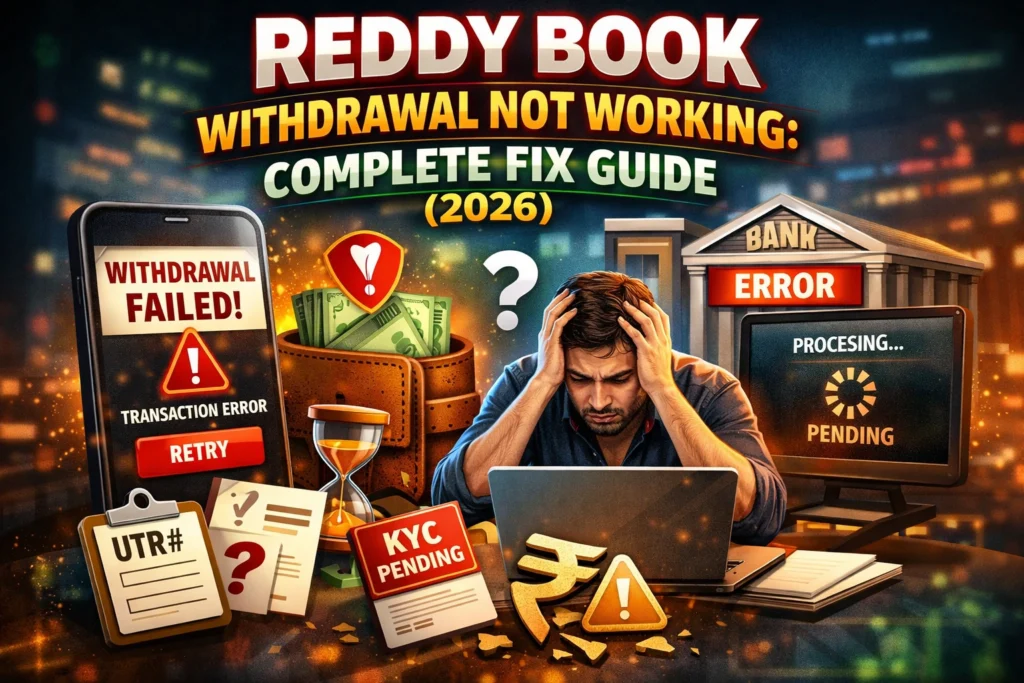
Reddy Book Withdrawal Not Working: Complete Fix Guide (2026)
Reddy Book runs cash‑out requests through a mix of internal checks (KYC, limits, account status) and external channels (bank, UPI, NPCI). When one of these layers flags something, your withdrawal can show as pending, rejected, or not working at all.
Most of the time, players make the same few mistakes:
- Forgetting KYC.
- Using the wrong UPI or bank details.
- Falling below the minimum amount or hitting a limit.
- Trying to withdraw during a bank or UPI outage.
Below, we’ll walk through 7 of the most common reasons your Reddy Anna Book withdrawal is not working, and exactly what you should do in each case.
Table of Contents
Fix 1 – KYC not complete
What KYC means on Reddy Book
KYC stands for Know Your Customer. On Reddy Book, this means they verify your real identity using official documents before allowing large or repeated withdrawals. Without KYC, your account may be treated as “unverified,” which can block, freeze, or delay cash‑out requests.
KYC also helps:
- Prevent fraud and money‑laundering.
- Keep your own account safe from misuse.
- Unlock higher withdrawal limits and faster processing.
Documents you usually need
Exact documents may vary by jurisdiction, but most Reddy‑related platforms ask for:
- Permanent address proof (Aadhaar, utility bill, rental agreement).
- Photo ID (Aadhaar, PAN, driving licence, passport).
- Bank proof (a recent bank statement or passbook with IFSC and account name).
- A clear selfie holding a government ID (sometimes with a handwritten note).
Tips:
- All documents must be clear, readable, and not expired.
- Name on documents and on your Reddy Book profile must match exactly.
How to submit KYC
In most Reddy Book / Reddy Anna‑style apps:
- Go to Profile / Account / KYC.
- Tap Upload KYC or Submit Documents.
- Select file type for each: ID, address proof, bank proof, selfie.
- Upload clear photos or PDFs.
- Submit and wait for approval.
Some agents also let you send documents via WhatsApp; in that case, you share the same files with a short note saying “KYC pending – withdrawal not working.”
How long does approval take
- Many platforms say 10–30 minutes for KYC approval if everything is clear.
- If documents are blurry, mismatched, or incomplete, approval can take several hours or even a day.
- If your KYC is rejected, you’ll usually see a short reason (e.g., “name mismatch”); you must correct and re‑upload.
Why this breaks withdrawal
If your KYC is pending or incomplete, Reddy Book may:
- Hold your withdrawal as pending.
- Mark it as rejected with a KYC error.
- Warn you that withdrawals are blocked until verification is done.
Once KYC is approved, similar withdrawals that earlier failed often go through immediately.
Fix 2 – Below the minimum withdrawal amount
What is the minimum usually
Most Reddy‑style book platforms set a minimum withdrawal per request, often around ₹500 or higher, depending on payment method.
If you try to withdraw less than this amount, the system will usually:
- Not let you submit the request.
- Or show an error like “amount below minimum” or “withdrawal not allowed”.
What happens when you try to withdraw less
- The app may simply block the transaction and refresh the wallet screen.
- Some sites show a toast message saying the amount is too low.
- Even if it appears to go through, it may later fail with a “minimum not met”‑style reason.
How to top up your balance
If you want to withdraw but your balance is below the minimum, options include:
- Play more to earn extra winnings before cashing out.
- Deposit a small top‑up yourself to reach or cross the minimum amount.
Example:
- Minimum withdrawal: ₹500.
- Current balance: ₹470.
- Deposit ₹30 or more, then withdraw ₹500 or your total.
Once your balance meets the minimum, the withdrawal should process normally, assuming no other error (KYC, bank, UPI, etc.).
Fix 3 – Wrong UPI ID entered
Common UPI formatting mistakes
Reddy Book usually accepts UPI IDs in the VPA format: name@upi or yourhandle@upi_provider. If you enter something like 9876543210 instead of a proper UPI ID, the withdrawal will likely fail.
Other common mistakes:
- Typos in the handle (e.g., john@yupi instead of john@yupi).
- Using an expired or closed UPI ID.
- Copy‑pasting an old voucher or promo code instead of the UPI ID.
You can also check Google Pay’s official troubleshooting guide for common UPI issues and fixes.
How to correct a UPI ID
To fix a wrong UPI ID withdrawal:
- Open Profile / Wallet / Payment Settings.
- Go to Linked UPI / Withdrawal Methods.
- Edit or remove the existing UPI ID.
- Add the correct one, exactly as shown in your banking app (e.g., yourname@upi).
- Save changes.
- Now try the withdrawal again with the new UPI.
Some platforms also let agents update your linked UPI over WhatsApp if you send your ID and the correct UPI handle.
How to verify your own UPI ID
Before submitting, confirm your UPI is correct:
- Open your banking app or UPI app (Google Pay, PhonePe, Paytm, etc.).
- Check your UPI ID / VPA (usually under “Profile” or “Bank Account”).
- If possible, send a test 1 rupee UPI from another app to your own ID to confirm it works.
If your UPI ID is valid and your KYC is complete, withdrawals that earlier showed “withdrawal not working” often clear on the second try.
Fix 4 – Account under review
Why accounts get flagged
Reddy Book may put an account under manual or automated review if:
- There is a sudden spike in betting or withdrawal volume.
- Multiple new withdrawals are requested in a short time.
- KYC documents need manual cross‑checking.
- Anti‑fraud systems detect unusual login locations or device changes.
During this time, your withdrawal may show statuses like:
- Verification pending.
- Under review.
- Approval in progress.
Typical review time
- For simple automated checks, approval can be within minutes.
- For manual reviews (especially large amounts), it may take 1–24 hours depending on load and complexity.
What to do while waiting
While under review:
- Do not cancel and re‑submit the same withdrawal repeatedly; this can slow it down.
- Check your KYC status and ensure all documents are clear and up to date.
- Keep an eye on transaction history for status changes.
If the review time exceeds 24 hours, or you see repeated “withdrawal pending” messages, it’s a good time to contact support.
Fix 5 – Bank server or UPI issue
How bank/UPI problems look
Sometimes the withdrawal is fine on Reddy Book’s side, but your bank server or NPCI (UPI backbone) is down. In these cases you might see:
- Withdrawal status stuck as pending.
- Error message like “bank not reachable”, “transaction failed”, or “UPI timeout”.
How to check if your bank/UPI is down
- Open your banking app and try a small UPI transaction (e.g., send ₹1 to yourself or a friend).
- If that also fails with a similar error, the issue is likely on the bank side.
- Check an NPCI status or UPI status page (if your bank affiliates with one) for any known outage.
Some banks also post outage alerts on their official social media accounts or website.
When to retry and alternatives
- If your bank/UPI is down, wait 15–30 minutes, then try again.
- If the problem persists, switch to another payment method (IMPS, bank transfer) if supported.
- For very urgent amounts, some players use e‑wallets or crypto options if available with that Reddy ID.
Once the bank or NPCI clears the issue, older failed withdrawals often process, or you can submit a fresh request that goes through smoothly.
Fix 6 – Withdrawal limit reached
Daily/weekly limits
Many Reddy‑style platforms set daily or weekly withdrawal caps, for example:
- Daily limit: ₹50,000, ₹1,00,000, etc.
- Weekly limit: a higher cap, sometimes in multiples of daily limits.
If you try to withdraw more than your allowed limit, the system may:
- Block the request.
- Show an error like “limit exceeded” or “maximum withdrawal reached”.
- Or mark the withdrawal as rejected.
How to request a limit increase
To raise your withdrawal cap:
- Contact Reddy Book support or your agent and ask about limit upgrade.
- You may need full KYC, a clean transaction history, and a short waiting period.
- Some systems automatically increase limits for VIP or high‑value players without extra steps.
VIP accounts and higher limits
VIP or premium accounts often come with:
- Higher daily/weekly limits.
- Faster approval for large withdrawals.
- Priority support when you face “withdrawal not working”‑type errors.
If you frequently hit the cap, talk to your agent about VIP upgrade paths and play volume requirements.
Fix 7 – App bug or session issue
Common app‑side problems
Sometimes the withdrawal is not working purely because of:
- A temporary glitch in the app.
- A stale login session.
- Corrupted local cache storing old or broken data.
Quick in‑app fixes
Try these steps in order:
- Clear app cache:
- Android: Settings → Apps → Reddy Book → Storage → Clear Cache.
- iOS: Offload app or delete and reinstall.
- Log out and log back in:
- Exit the app, relaunch, and sign in again.
- This refreshes the session and often unlocks stuck states.
- Try the browser version:
- Open the official site in Chrome or Safari and attempt the same withdrawal there instead of the app.
- If it works in the browser, it’s likely an app bug, not a backend issue.
If the withdrawal then processes, you can reinstall the app to keep the latest stable version.
When to contact Reddy Anna Book support
If you’ve tried all 7 fixes above and your withdrawal is still not working or stuck pending, it’s time to contact their support team.
Most Reddy‑style platforms offer a WhatsApp‑based support line as the fastest route. Before messaging, have ready:
- Transaction ID (from your withdrawal history).
- Amount and currency.
- Exact time the withdrawal was initiated.
- Screenshot of the error (if possible).
Send a short, clear message like:
“My Reddy Book withdrawal is not working. Transaction ID: ABC123, amount: ₹X, time: HH:MM. Request showing as pending / rejected.”
This gives agents enough detail to pull up your case and speed up the fix.
Quick comparison table: Why withdrawal is stuck
| Issue | What usually happens | Best quick fix |
| KYC not complete | Withdrawal rejected or stuck pending | Submit clear KYC documents and wait for approval |
| Below minimum amount | Request blocked or fails instantly | Add funds or combine to meet minimum |
| Wrong UPI ID | Transaction fails with UPI error | Correct UPI ID in settings and retry |
| Account under review | Status stuck as “pending / review” | Wait up to 24 hours; then contact support |
| Bank / UPI server issue | Stuck pending, bank‑side error messages | Wait 15–30 minutes or switch to bank transfer |
| Withdrawal limit reached | “Limit exceeded” or “rejected” | Request smaller amount or ask for limit increase |
| App bug / session glitch | Withdrawal hangs or refreshes without progress | Clear cache, log out, try browser |
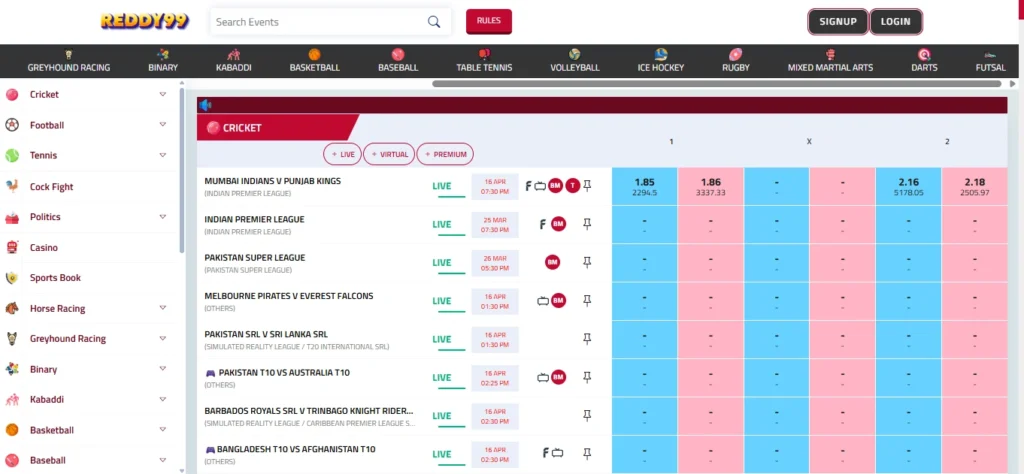
How Reddy Book withdrawals help and what they do
Withdrawals on Reddy Book let you convert your winnings into real money that lands in your own bank account or UPI wallet. The process helps you:
- Secure your profits instead of leaving them in the app.
- Use funds for daily needs, bills, or new bets as you choose.
- Track your cash‑out history for better budgeting.
Under the hood, here’s how it works:
- You place a bet and win.
- Winnings appear in your Reddy Book wallet.
- You open Withdraw / Cash Out, choose UPI, bank transfer, or another method, enter amount and details.
- The system runs KYC, limit, and fraud checks. To understand how UPI processing works in the background, you can refer to this detailed UPI product overview.
- If all checks pass, the request is sent to the payment channel (UPI, NPCI, bank gateway).
- Once the bank or UPI clears it, the money reaches your account, usually within minutes to a few hours.
When any of these steps fails or the system flags something, that’s when you see “withdrawal not working”, but the 7 fixes above cover almost all common cases.
Conclusion
Think of a Reddy Book withdrawal like sending a registered parcel from your game wallet to your bank account. If the parcel gets stuck, it’s usually because of the label (KYC), the weight (minimum amount), the address (UPI ID), or the courier (bank/UPI). Fix the label, adjust the weight, correct the address, or wait out a courier delay, and your parcel almost always reaches you.
If you’ve tried all these fixes and your Reddy Book withdrawal is still not working, send a quick WhatsApp message to support with your transaction ID, chances are your cash‑out is just waiting for a small nudge from the other side.
FAQs
1. How to withdraw money from Reddy Anna Book step by step?
Login → Wallet → Withdrawal → Enter amount → Select UPI/Bank → Confirm; see detailed steps above.
2. What is Reddy Book Club minimum withdrawal?
The minimum withdrawal amount is ₹500 for UPI.
3. Can I withdraw winnings to Paytm from Reddy Book?
Yes, use your Paytm UPI ID, enter it correctly, and submit the withdrawal.
4. Why did my Reddy Anna Book withdrawal get rejected?
Usually due to wrong UPI ID, incomplete KYC, or amount below ₹500; fix details and retry.
5. Does Reddy Anna Book charge a withdrawal fee?
No, withdrawals are generally processed without any fee.
6. How many times can I withdraw per day from Reddy Book?
Typically 2–3 times per day with limits up to ₹1 lakh; VIP users may have higher limits.
7. Reddy Book withdrawal pending for 24 hours, what to do?
Contact WhatsApp support with your transaction ID, amount, and screenshot.
8. Reddy Book se paise kaise nikale?
Login karo, Withdrawal select karo, ₹500+ amount daalo aur UPI ID enter karke confirm karo.